

So it begins.
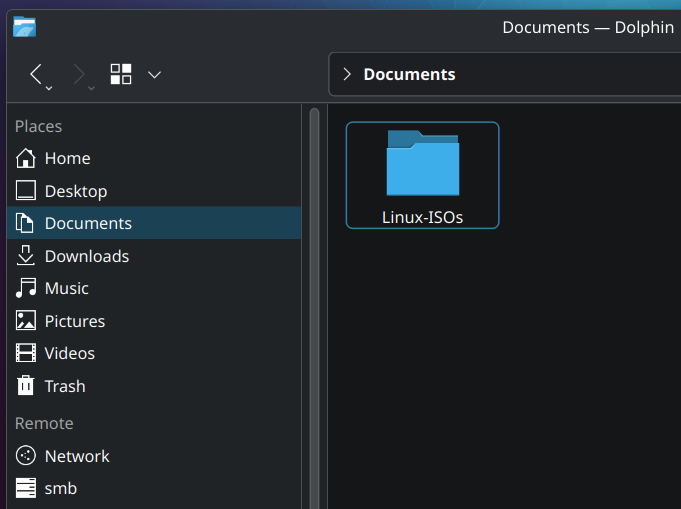
I’ve been flashing my USB often enough that it’s now worth it to keep all my ISO’s neatly to use them when I need them. I plan on buying 10 USB sticks to just have ready when ever I need a specific version.
I’m visiting family now, so time to upgrade their Linux Mint to Kubuntu
Just buy 2.5 HDD put it in USB sata case and use as USB stick with ventoy
Or if you want to install an entire iso in less than a minute, one of these.
I really like that one. I can move a terabyte in minutes, and unlike some other M.2 enclosures, this one is a heatsink sandwich, which enables sustained full-speed operation.
Buying m2 nowadays or any ssd is not cheap thing at all
I’d recommend a HDD enclosure with a virtual drive emulator. I personally use this one which I’ve had for about a decade at this point. Lovely device. At some point I think I’ll pop an SSD in it instead, mostly just for durability purposes.
Sure.
But that’s limited to SATA 3 speeds. A “mere” 600 MB/s. Not to mention SATA SSDs often can’t sustain their theoritcal maximums.
USB3.2x2 can do 2500 MB/s, and with heatsinks on an NVME drive you can actually reach and sustain that transfer speed.
When you’re moving more than 500 gigs of something, or if you move ISO sized things often, it’s really nice.
When I occasionally have to write an ISO to usb for macOS or when ventoy for some reason wont work, I get annoyed at how I actually have to wait a bit, even though my thumbdrives aren’t slow.
They’re just not not NVME with a heatsink fast. I’ve gotten used to moving ISOs around like they’re text files.